Overview
See the active project and its connected services.
Learn more →THE ENTERFACE SYSTEM
Enterface adds a calm, project-aware layer around the places where you work. It does not ask you to move the work somewhere else.
Explore the guides →See the active project and its connected services.
Learn more →Launch the AI agent or terminal you want to use.
Learn more →Keep the project items and services that matter.
Learn more →Record what relies on what.
Learn more →Turn loose ends into a focused next-action list.
Learn more →Keep a privacy-conscious history of meaningful work.
Learn more →Review candidates before they become trusted project items.
Learn more →See downstream consequences before making a change.
Learn more →PROJECT INVENTORY
Instead of making you think about taxonomy, Enterface starts with a clear decision: add a service you use or add a project item. Everything else happens under the surface.
How Inventory works →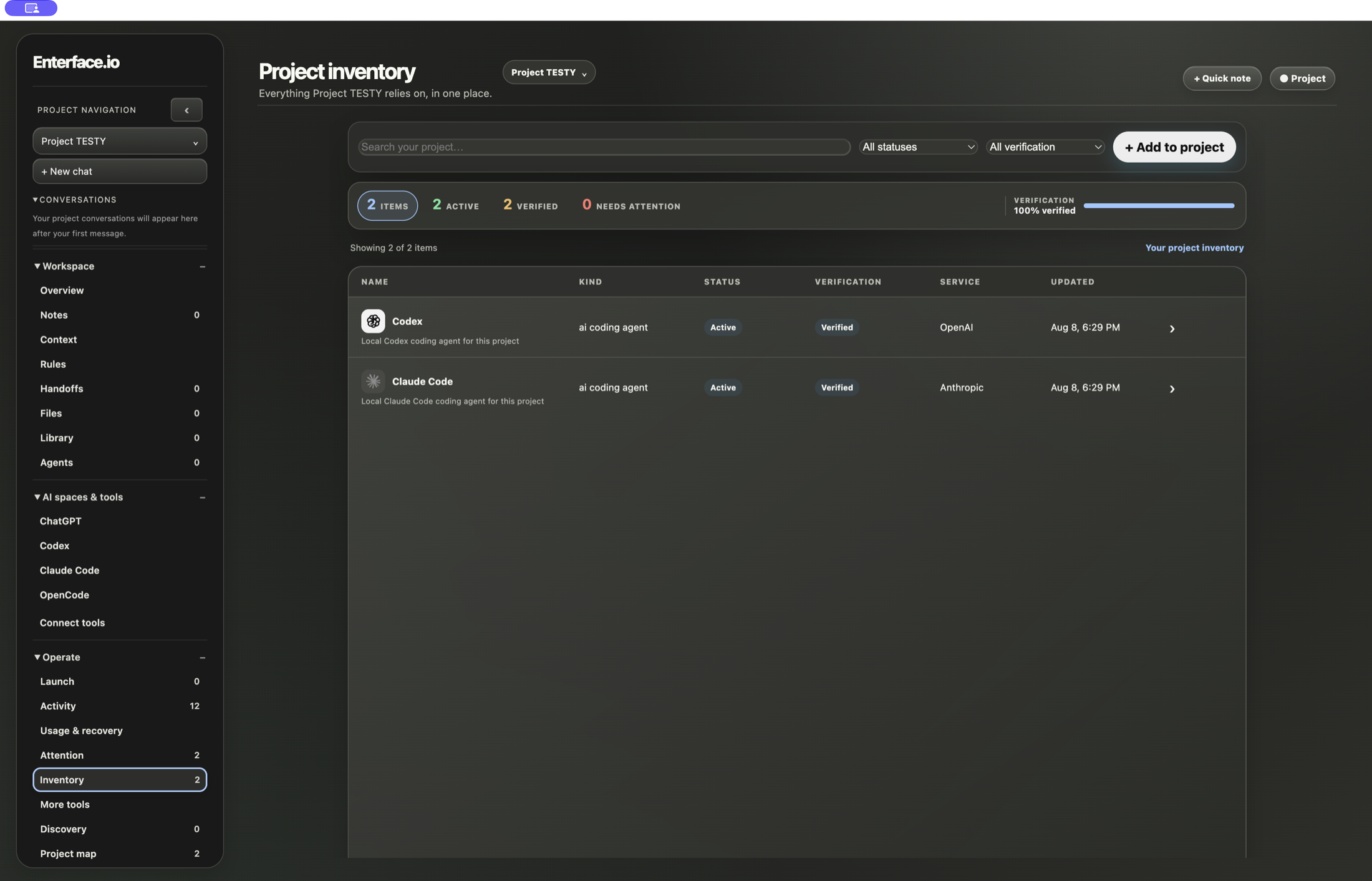
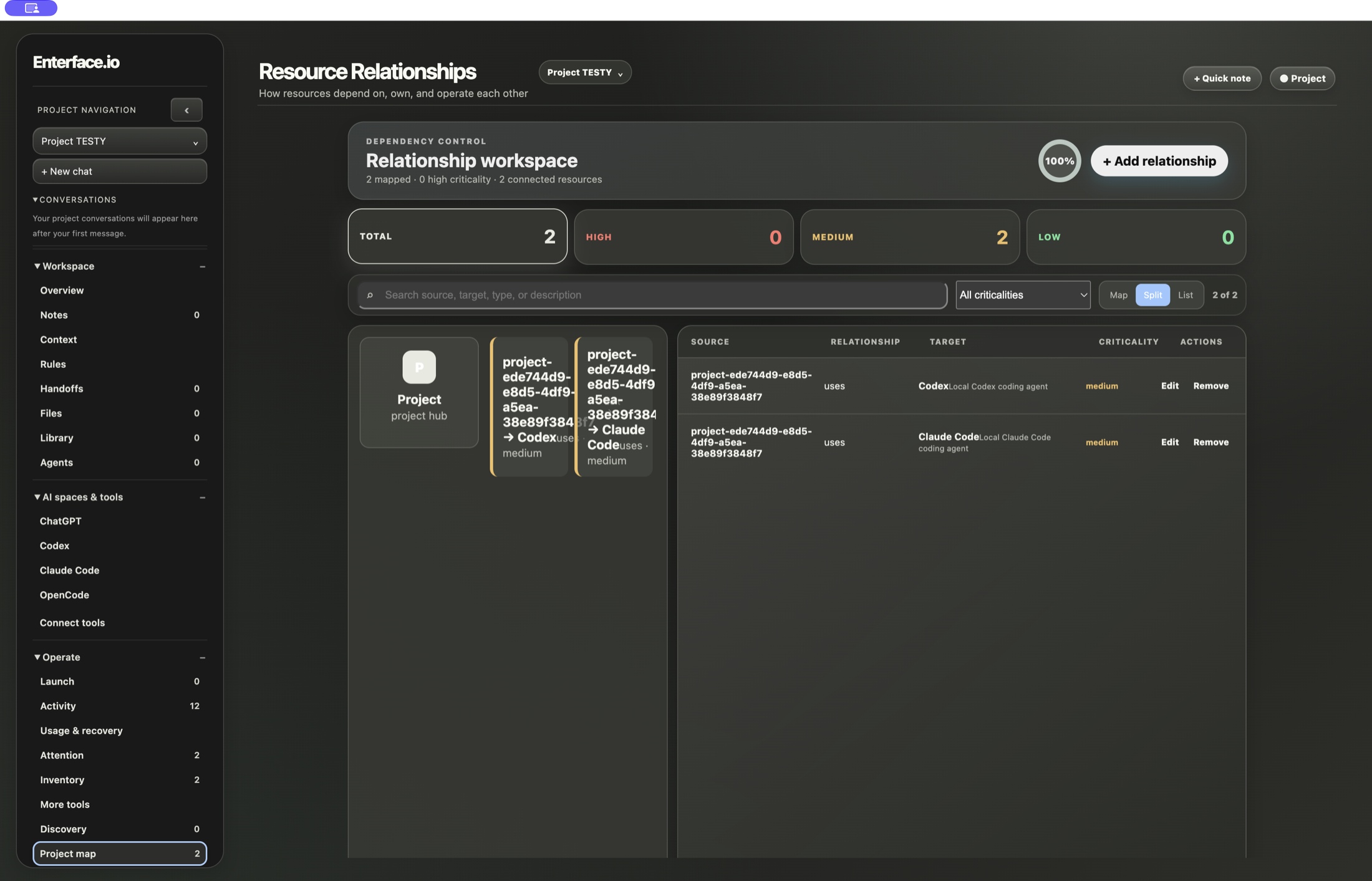
PROJECT MAP
Map the handful of connections that create real consequence. Impact then gives you the useful question: if this changes, what else could move?
How Project map works →ENTERFACE
Where building with AI comes together.